Pages
For user with Administrator role only.
You can update the content of the following pages in the Setting menu:
- Terms & Conditions
- Privacy Policy
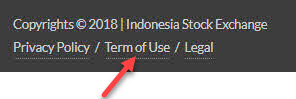
- Terms of Use
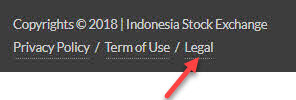
- Legal
- Contact Us
- FAQ
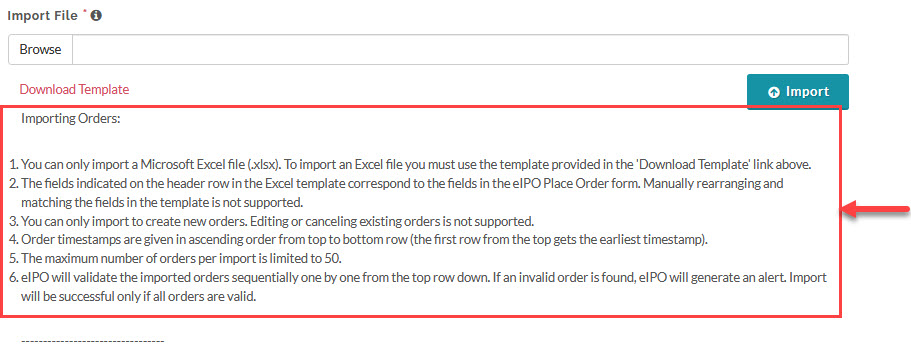
- Import File
To update these pages, from the Page Menu:
- Go to Setting > Pages
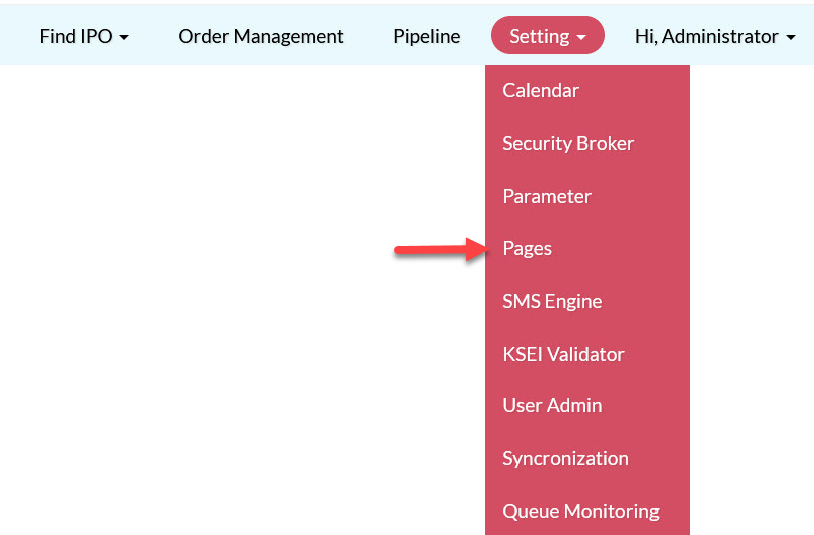
- Select the page you want to update, fill in the form and save your changes.
Pages on the User Interface and where you can find them:
|
Page |
Description |
|
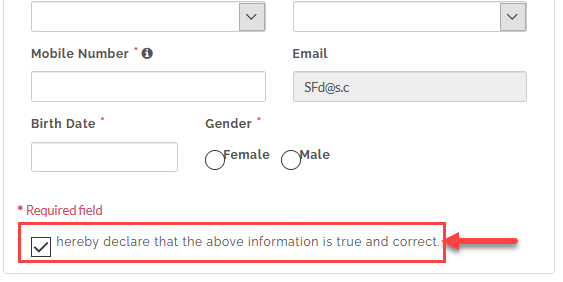
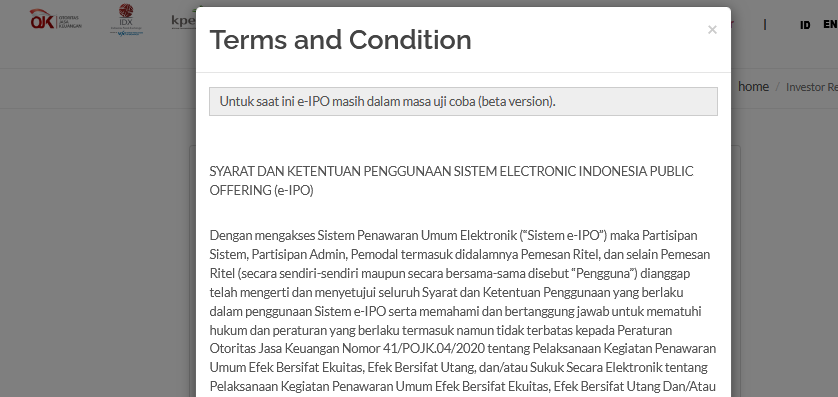
Terms & Conditions |
Terms & Conditions shown on the investor registration page.
|
|
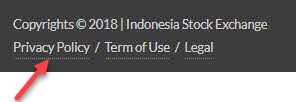
Privacy Policy |
The content for Privacy Policy page.
|
|
Terms of Use |
The content for Terms of User page.
|
|
Legal |
The content for Legal page.
|
|
Contact Us |
The content for Contact Us page.
|
|
FAQ |
The content for FAQ page.
|
|
Import File |
The content for the instructions/notes for the import order page.
|



Created with the Personal Edition of HelpNDoc: Free Web Help generator