Download Investor
Allows administrators to download investor data using configurable filters.
Prerequisites
- User has successfully logged in.
- User has the required role and menu authorization.
- Required pipeline, order, KSEI, or report data is already available when applicable.
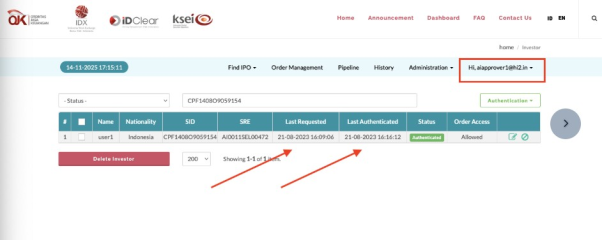
- Open the Investor menu (choose both of individual or institution)
- Set optional filters based on available investor columns.
- Choose the output format when available, then download.
Expected Result
Investor data is generated as an Excel, CSV, or PDF file depending on system configuration.
Created with the Personal Edition of HelpNDoc: Maximize Your CHM Help File Capabilities with HelpNDoc