View Pipeline Index
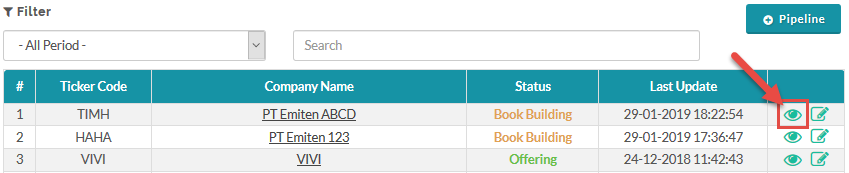
To view the pipeline index, from the Page Menu go to Pipeline.
To view a single Pipeline, from the Page Menu:
- Go to Pipeline.
- Select Pipeline > View
 .
.
To learn how to create a pipeline, click here.
To learn about the Book Building section, click here.
To learn about the Offering section, click here.
To learn about the Allotment section, click here.
Bulk Download Pipelines data
As an administrator, you can export various pipeline-related datasets as Excel files. Available data types include:
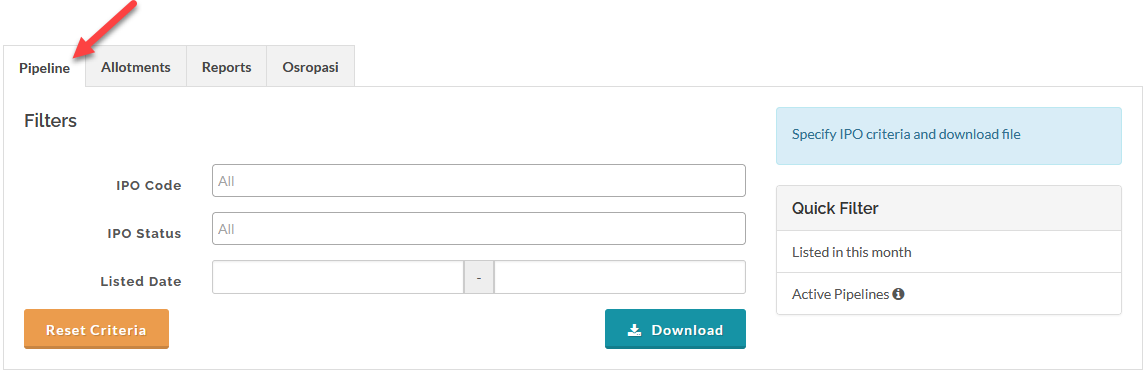
- Pipeline
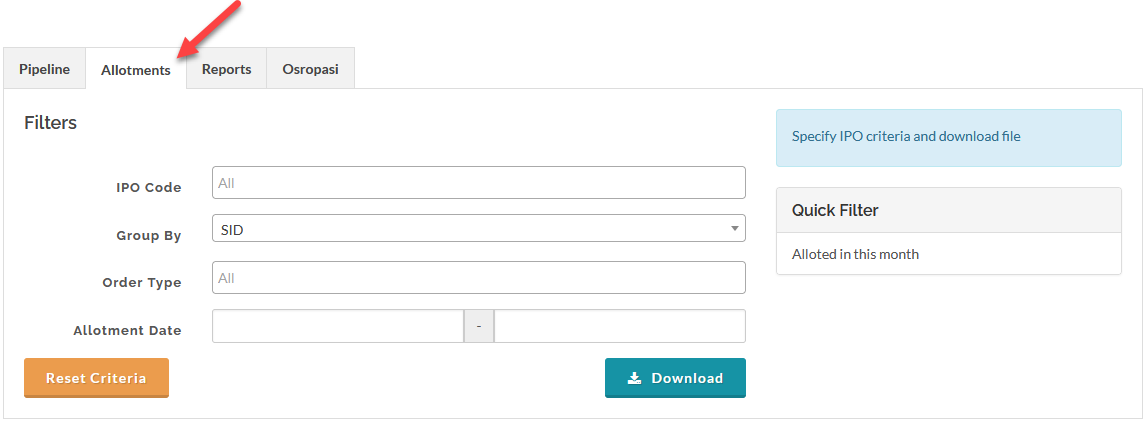
- Allotments
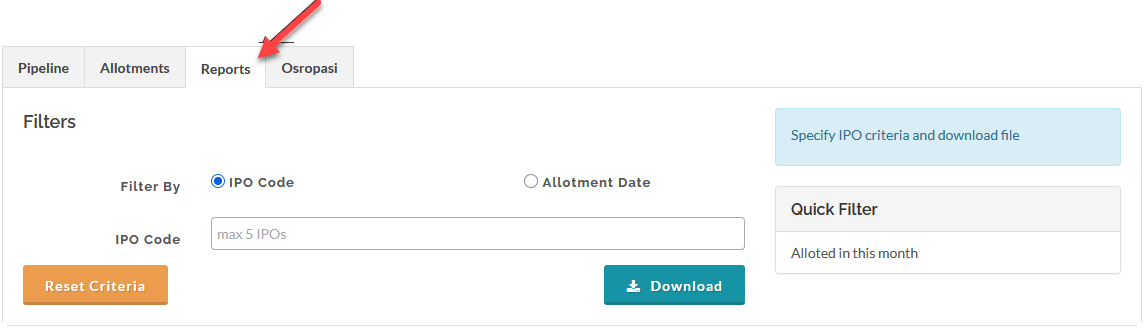
- Reports
- Osropasi
To download these files, from the Page Menu:
- Go to Pipeline > All IPOs > select the file type.

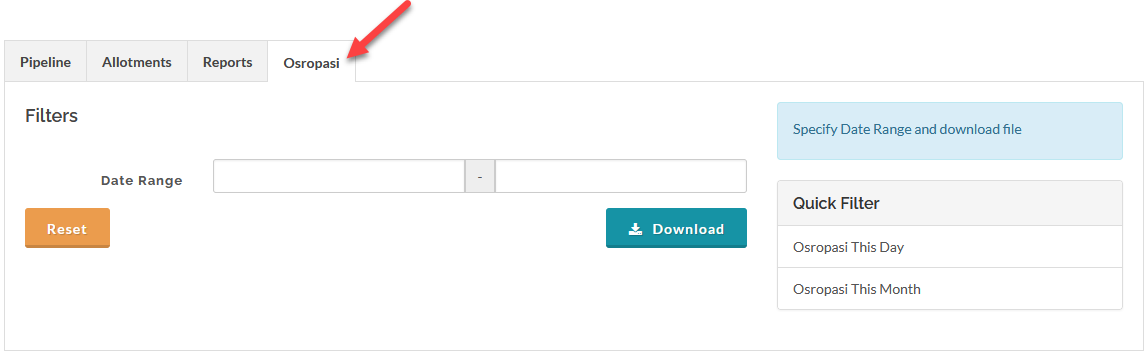
- Select the file type you wish to download (Pipeline, Allotments, Reports, or Osropasi), filter the data and click Download. The selected dataset will be exported. automatically as an Excel file.
 The Osropasi dataset is automatically pushed to your Data Warehouse by a scheduled job. If this automatic transfer fails, the system will send you an email alert indicating the failure. In that event, you can manually download the Osropasi file in the interface.
 Warning: All Osropasi files are encrypted. You must use your assigned decryption key or tool to open these files after download.
Pipelines
Allotments
Reports
Osropasi
Created with the Personal Edition of HelpNDoc: Generate Kindle eBooks with ease