OJK Reports
Electronic Public Offering System generates standard IPO reporting (OJK) forms under the Reports tab. The tab (as indicated in the image below) is visible only after the IPO is closed.
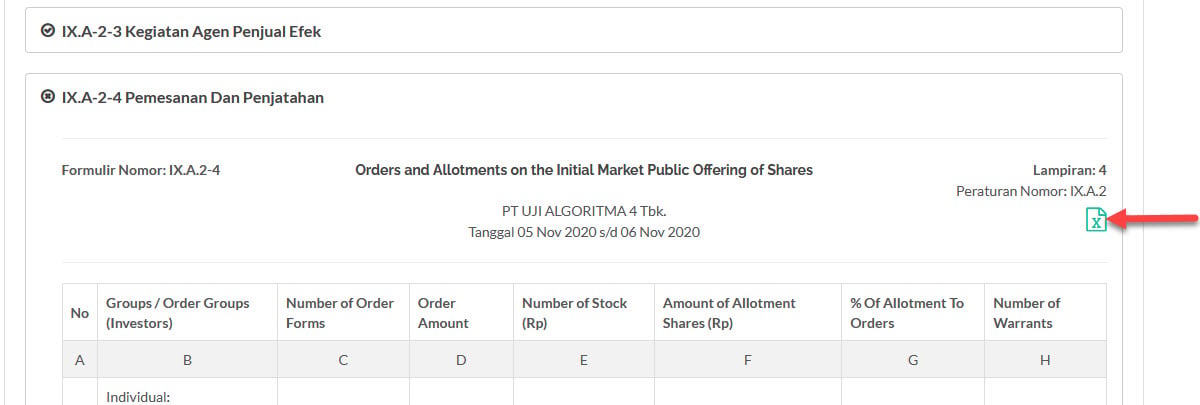
you can export these reports in MS Excel format®.
To view OJK Reports, from the Page Menu:
- Go to Pipeline.
- Select Pipeline > View
 .
. - Click the Reports tab.
- In the Reports tab, Click the form you want to open.

You can export each report in Microsoft Excel format (.xlsx)
Created with the Personal Edition of HelpNDoc: Maximize Your Productivity with a Help Authoring Tool