Push Job
To push a Job, from the Page Menu:
- Go to Setting > Queue Monitoring.
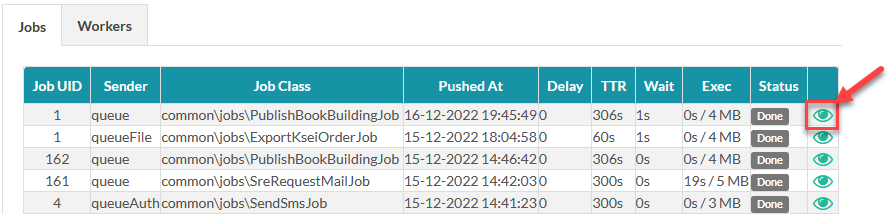
- Select a job and click View
 .
.
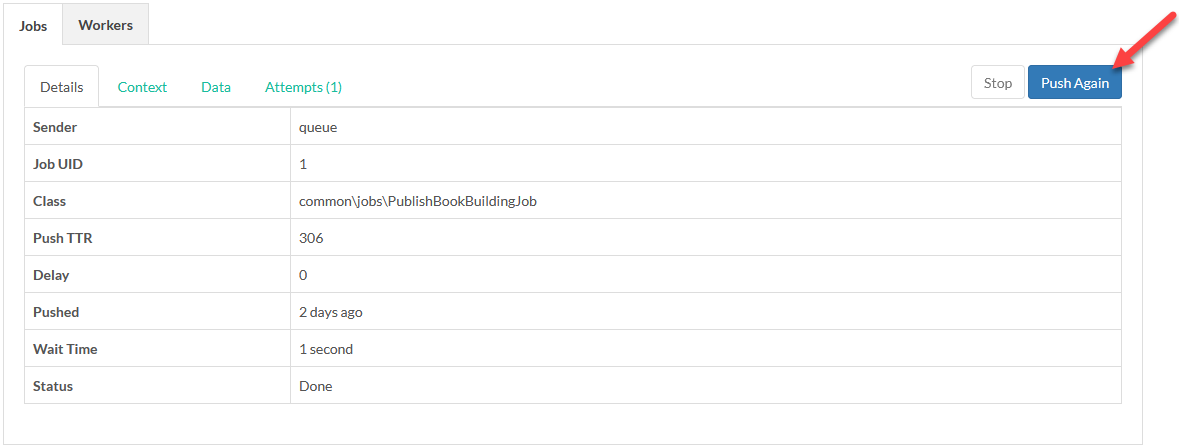
- On the Jobs tab, click Push Again.
Created with the Personal Edition of HelpNDoc: Bring your WinHelp HLP help files into the present with HelpNDoc's easy CHM conversion