View A Single Order
To view an order, from the Page Menu:
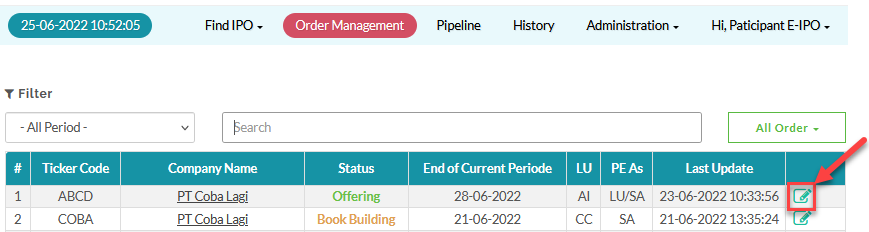
- Go to Order Management.
- Select IPO > View
 .
.
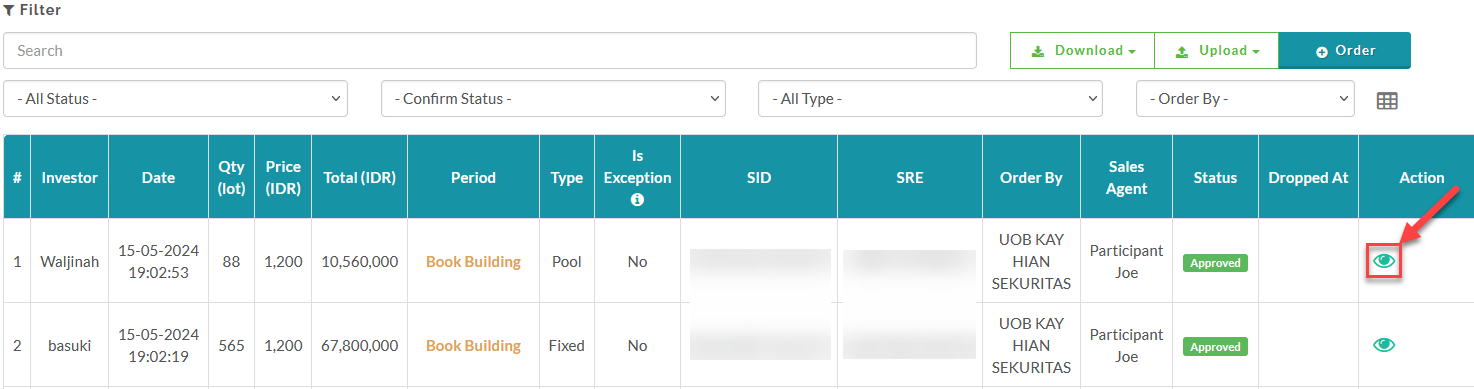
- Select Order > View
 .
.
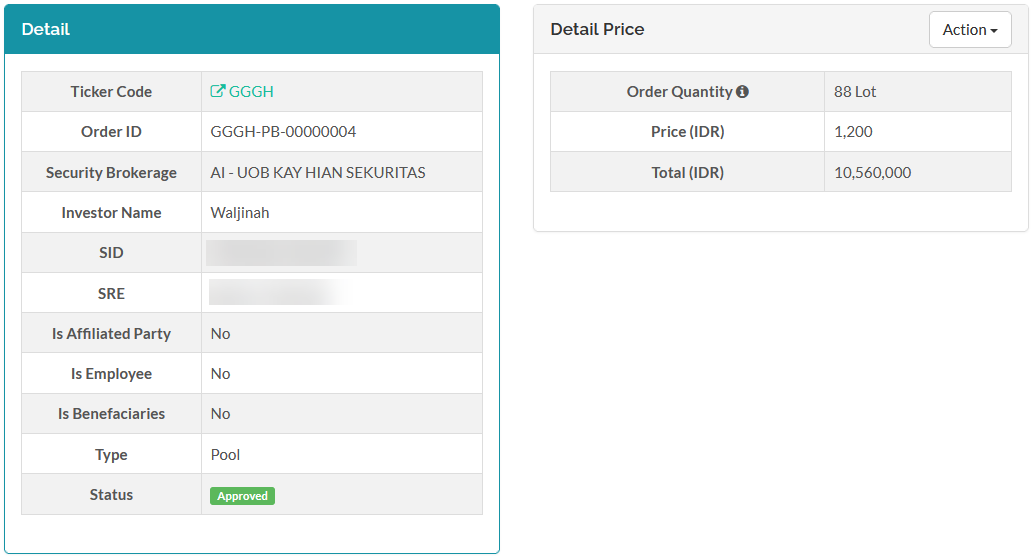
example of the order detail page:
To see how to approve a submitted order, click here.
To see how to reject a submitted order, click here.
Created with the Personal Edition of HelpNDoc: Transform your help documentation into a stunning website