View Book Building Order List & Chart
To view the Book Building order list and charts, from the Page Menu:
- Go to Pipeline.
- Select Pipeline > View
 .
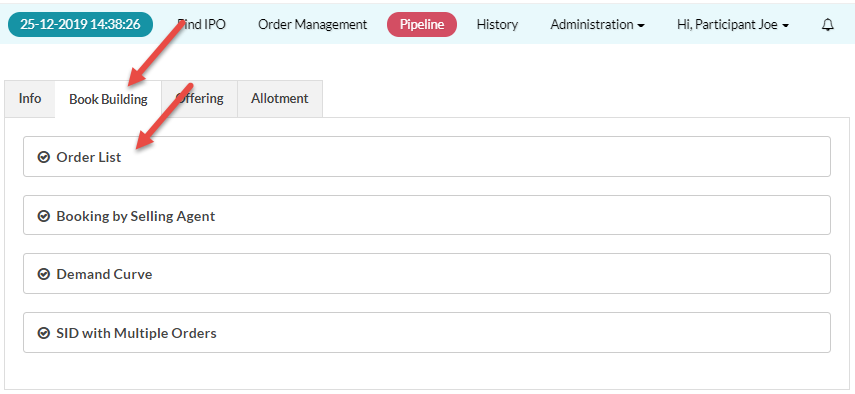
. - Click the Book Building tab.
- In the Book Building tab, click Order List to view the Book Building orders.
To view Order List:
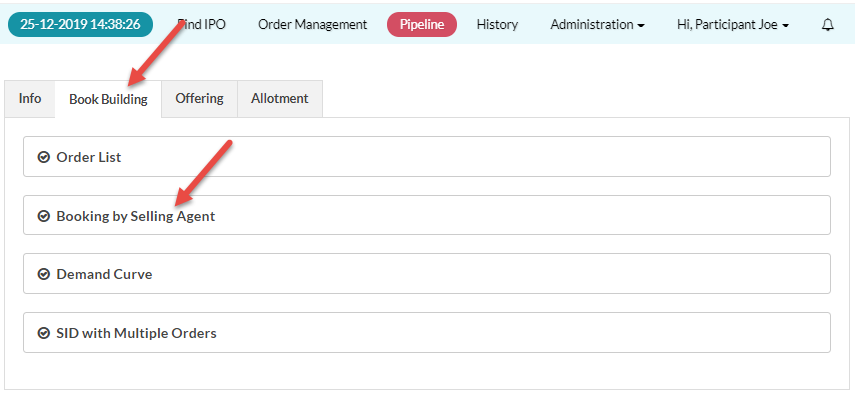
To view Booking By Selling Agent (Pool orders):
Created with the Personal Edition of HelpNDoc: Produce electronic books easily