Input Final Offering Price
To input Final Offering Price, from the Page Menu:
- Go to Pipeline.
- Select Pipeline > Update
 .
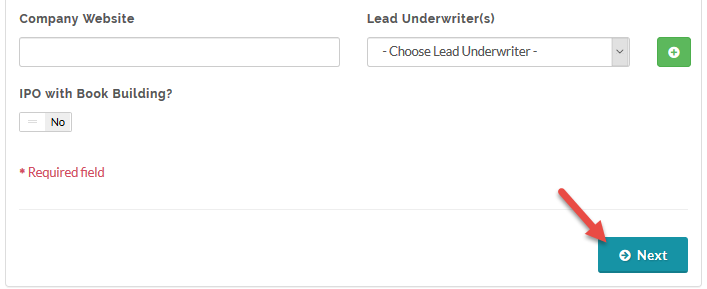
. - Go to the next Pipeline fill in form by clicking Next (second step on the Pipeline Process Steps).
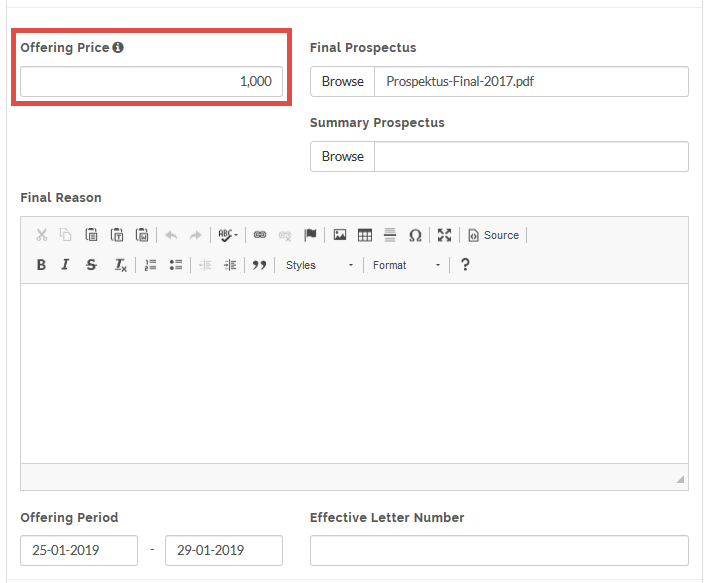
- Enter the value in the Offering Price Field.
- Click Next to follow the Pipeline fill in form.
- Confirm your data and click Save.
 The final price can be viewed under the Book Building tab in the Demand Curve section.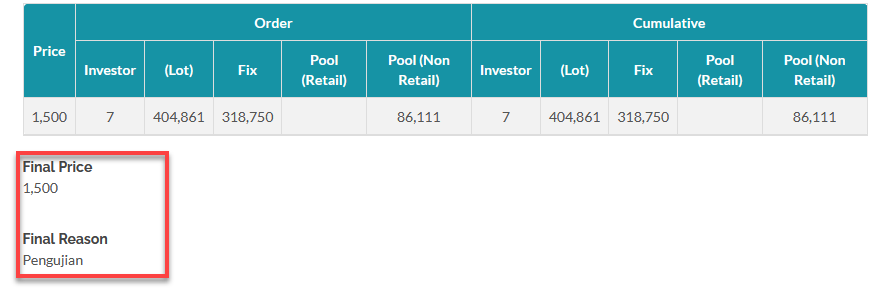
Created with the Personal Edition of HelpNDoc: Free help authoring tool