View Final Order List & Chart
To view the post-IPO closing order list for the allotment process and charts, from the Page Menu:
- Go to Pipeline.
- Select Pipeline > View
 .
.
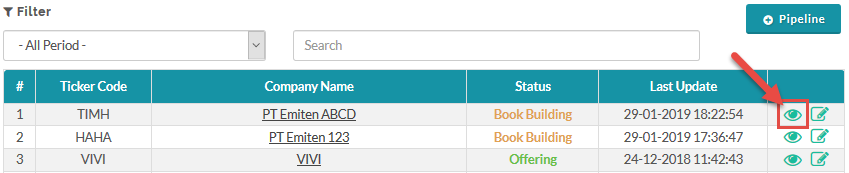
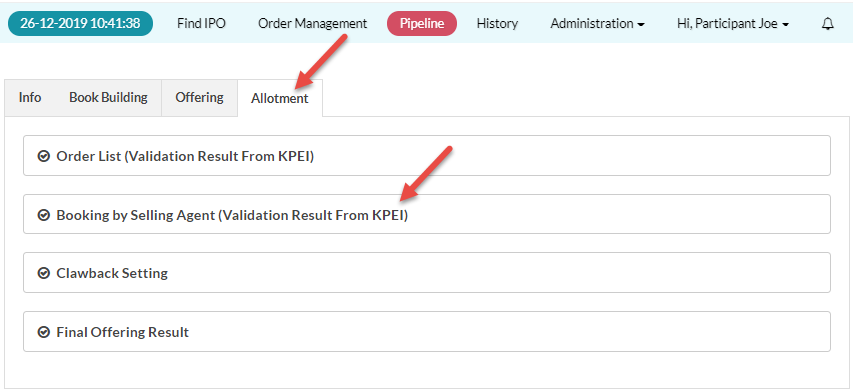
- Click the Allotment tab.
- In the Allotment tab, click Order List (Validation Result From KPEI).
To view Order List:

The order list in the allotment tab only shows orders that have been validated for their fund availability by KPEI.

 If an investor's fund is insufficient, the original order is dropped, and a new order is automatically created, adjusted to the availability of the investor's fund.
To view Booking By Selling Agent (Pool orders):
Created with the Personal Edition of HelpNDoc: Don't be left in the past: convert your WinHelp HLP help files to CHM with HelpNDoc