View Offering SID With Multiple Orders
To view Offering period orders of one SID with multiple orders:
- Go to Pipeline.
- Select Pipeline > View
 .
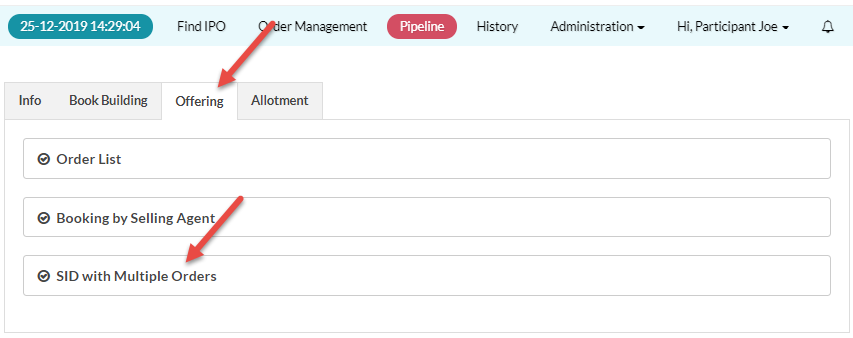
. - Click the Offering tab.
- In the Offering tab, click SID with Multiple Orders.
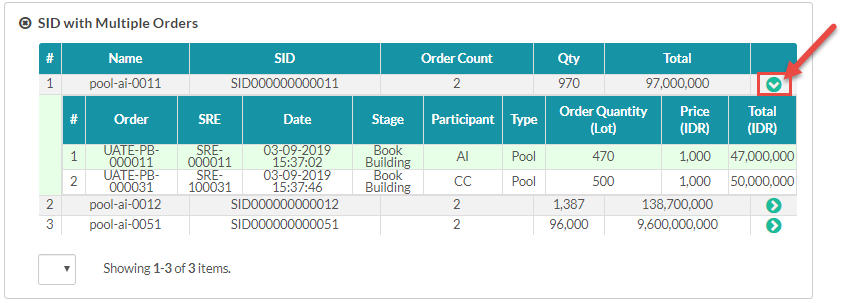
- Click
 to view each SID with the multiple orders.
Created with the Personal Edition of HelpNDoc: Free help authoring environment